Introduction
Mobile CI/CD has a way of growing into a tangle: Fastlane lanes that grew organically over years, Ruby gems that conflict with the JS toolchain, secrets scattered across .env files and developer machines, and 15–25 minute builds that nobody trusts.
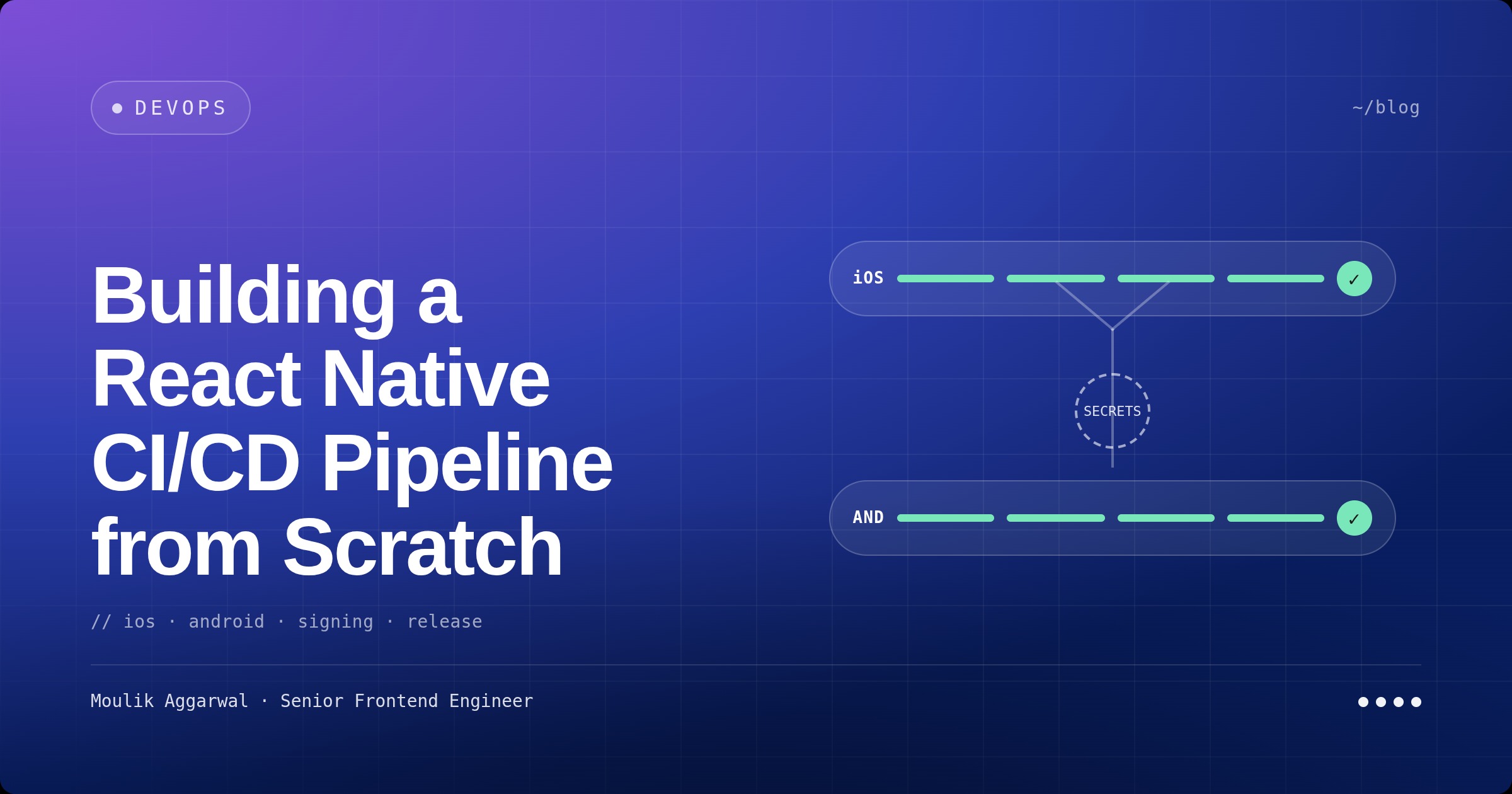
I rebuilt a React Native CI/CD pipeline from scratch on GitHub Actions — parallel iOS and Android builds, dynamic per-environment secrets generation, no hardcoded credentials anywhere in the repo, and artifacts that QA can pull straight from a PR comment.
This post is the architecture, the secrets pattern, and the choices I’d make again.
Why a Rebuild
The legacy setup was Fastlane + a tangle of helper scripts. The pain points were the same ones you’ll find on any aging mobile pipeline:
- Slow builds: 15–25 minutes per build, no intelligent caching
- Multi-language toolchain hell: Ruby (Fastlane) + Node.js (RN) + JDK + Xcode + CocoaPods, all needing to install successfully on every CI run
- Sequential builds: Android and iOS one after the other, doubling wall-clock time
- Configuration drift: 3 separate Fastlane files (root, Android, iOS) with environment-specific config slowly diverging
- Reliability: enough
continue-on-errorflags in the workflow to know the build was fragile - Secrets: scattered across
.envfiles, dev machines, and CI variables with no single source of truth
I evaluated Rock.js as a higher-level RN build toolchain. Strong on paper, but rolling a focused GitHub Actions setup gave full control with one less dependency to maintain. So: scratch rebuild on GitHub Actions.
Architecture Overview
Two workflows, two environments, parallel platforms:
| Workflow | Trigger | Outputs |
|---|---|---|
build-staging.yml | Pull requests to any branch | Staging Android APK + iOS IPA |
build-production.yml | Push to release branch | Production Android APK + iOS IPA |
Build matrix:
- Android:
ubuntu-latestrunner, Java 17 (Temurin), Gradle flavors (staging/production),assembleStagingDebugfor staging - iOS:
macos-latestrunner, latest stable Xcode, schemes forDev/Stage/Prod, CocoaPods for deps - Both run in parallel — saves wall-clock time, and a failure in one doesn’t block the other from publishing artifacts
Runtime versions, locked:
- Node.js 18 (declared in
package.jsonengines) - Yarn with
--frozen-lockfile - Java 17 Temurin
- Latest stable Xcode
Frozen lockfiles are non-negotiable. CI is the wrong place to discover that a transitive dep silently bumped a major.
The Secrets Problem
The hardest part of mobile CI/CD isn’t the build — it’s secrets. You need different values for staging vs. production (API URLs, analytics keys, SSL pinning hashes, Firebase configs), and the wrong move is putting them in the repo “just for now.”
The pattern I landed on: dynamic, build-time Secrets.ts generation.
How it works
- Trigger: PR (staging) or push-to-release-branch (production)
- Secrets generation: a small Node script (
generate-secrets-staging.jsorgenerate-secrets-production.js) reads the right env vars and writesApp/utils/Secrets.ts - File generation: the generated
Secrets.tscontains the env-specific values — staging values for staging builds, production values for production builds - Build: Android APK and iOS IPA build against the generated file
- Cleanup: the generated
Secrets.tsis deleted after build so it never lives anywhere it shouldn’t
The repo never sees a real secret. CI generates the file, builds against it, deletes it.
File structure
ci-cd/
├── secrets-template.ts              # Type-safe template for the generated file
├── generate-secrets-staging.js      # Staging generator
├── generate-secrets-production.js   # Production generator
├── validate-secrets.js              # Pre-flight validation tool
├── test-builds.sh                   # Local build smoke test
├── export-options-staging.plist     # iOS export options for staging
└── export-options-production.plist  # iOS export options for production

.github/workflows/
├── build-staging.yml                # Staging build
└── build-production.yml             # Production build
The secret categories
I won’t list every value, but the categories are worth noting because they’re the same on most production mobile apps:
Environment configuration
- API base URL
- CMS / backend service URL
- WebView destination URL
Third-party service tokens
- APM tokens (iOS + Android)
- Push / engagement service IDs (app ID, workspace ID)
- Analytics SDK write key + data plane URL
Auth / Firebase configuration
- Firebase web client IDs (iOS + Android)
Security & encryption
- App-level secret key, store-encryption key
- SSL pinning hashes (primary, backup)
- Asset-CDN SSL hash
- Third-party SDK SHA pin
Monitoring
- Error-tracking DSN
In total, ~20 secrets. Each goes into GitHub repository secrets and is referenced by the generation script — never a hardcoded value, never a .env.production file in the repo.
Validation Before Builds
Missing one secret produces a build that runs but fails at runtime — bad. So before any build step, the workflow runs:
node ci-cd/validate-secrets.jsIf a required secret is missing or empty, the script exits non-zero with a precise list:
❌ Missing 3 required secrets:
  - BASE_URL_STAGING
  - CMS_BASE_URL_STAGING
  - WEBVIEW_URL_STAGING
The validator has three useful modes:
# Show all configured secrets and where they're used
node ci-cd/validate-secrets.js

# Generate a GitHub-secrets-import template
node ci-cd/validate-secrets.js template

# Show codebase usage of each secret
node ci-cd/validate-secrets.js usage

# All checks
node ci-cd/validate-secrets.js all
The usage mode is the one I used most — it greps the codebase for each secret name so you can confirm a secret is actually consumed before you add it to GitHub.
Staging vs Production: One Pipeline, Two Outputs
Staging and production share the same workflow shape with environment-specific generation:
Staging (PRs):
- Uses staging URLs and configurations
- Falls back to production values for shared secrets (e.g., feature toggles that don’t differ)
- Sets
ENV = 'STAGING',ENV_NAME = 'Staging'
Production (release branch):
- Uses production URLs and configurations
- Sets
ENV = 'PROD',ENV_NAME = 'Production'
This split is what lets QA install staging builds from PR artifacts without ever risking accidentally shipping a production-flagged build to TestFlight or the Play Console.
Build Artifacts
Build outputs live in GitHub Actions artifacts with a 30-day retention window. Names are deterministic so QA can find them on a glance:
android-staging-apk-{run-number}— Staging Android APKios-staging-ipa-{run-number}— Staging iOS IPAandroid-production-apk-{run-number}— Production Android APKios-production-ipa-{run-number}— Production iOS IPA
Important call-outs:
- No production signing in CI. App Store / Play Store uploads are explicitly out of scope for this pipeline — those are manual, gated by release management.
- Unsigned builds for QA. iOS exports configured for development distribution. Android exports unsigned, since QA installs by sideload.
- Schemes are shared and committed. A common iOS gotcha — if your Xcode scheme isn’t shared, CI can’t see it.
Caching for Faster Builds
GitHub Actions caching, layered:
| Layer | What’s cached | Why |
|---|---|---|
| Yarn | node_modules, Yarn cache | RN apps have heavy dep trees |
| Gradle | ~/.gradle/caches, ~/.gradle/wrapper | Android builds are slow without it |
| CocoaPods | Pods/, ~/Library/Caches/CocoaPods | iOS pod install is multiple minutes |
| Ruby gems | (kept minimal) | Mostly for pod tooling |
Cache keys derive from lockfiles (yarn.lock, Gemfile.lock, Podfile.lock). Lockfile changes invalidate the cache; code changes don’t.
Security Posture
This was non-negotiable, not a nice-to-have:
Do’s that the pipeline enforces:
- All secrets stored in GitHub’s encrypted secrets store
- Separate staging and production secrets
- Descriptive secret names
- Generated
Secrets.tsis deleted after every build - Frozen lockfiles for reproducibility
Don’ts the pipeline prevents by construction:
- No real secrets ever committed — the repo only has the template, not values
- No staging/production secret reuse for sensitive surfaces
- Secrets never logged in CI output (the generator never
console.logs values) - The generated
Secrets.tsexists only inside the runner
What I’d Tell a Team Doing This Tomorrow
- Pick one orchestration tool. Either GitHub Actions, Bitrise, Codemagic, or Rock.js — but pick one and commit. Hybrids (Fastlane inside GitHub Actions) are where complexity hides.
- Build secrets injection before you build the build. Generate-from-CI-secrets is the only pattern that scales without leaks.
- Validate before building. A 30-second pre-flight check beats a 12-minute build that fails at the link step.
- Run iOS and Android in parallel. They’re independent. There’s no reason to wait.
- Standardise scheme/flavor names. “Stage” should mean the exact same thing across both platforms — divergence here causes weird half-failures.
- Cache aggressively, but key off lockfiles only. Code changes mustn’t bust your dependency cache.
- Don’t sign in CI unless you have to. Store builds belong in a separate, more restricted pipeline. Dev/QA artifacts are unsigned.
- Document every required secret. The one you forgot is the one that crashes after the splash screen.
Key Takeaways
- Scratch rebuilds beat incremental cleanups when the toolchain is the problem. Fastlane drift wasn’t fixable patch-by-patch; replacing it was.
- Dynamic
Secrets.tsgeneration is the cleanest pattern for mobile secrets I’ve used. The repo never carries secrets, the generated file never leaves the runner. - Validation steps catch human error early. A pre-flight
validate-secrets.jsis cheaper than a 12-minute failed build. - Parallel iOS + Android builds are non-negotiable at any meaningful team size.
- Frozen lockfiles + lockfile-keyed caching is what makes CI both reproducible and fast.
- Keep CI’s job narrow. Building unsigned dev/QA artifacts is one job; signing and store-uploading is a different, more restricted pipeline.
Conclusion
A React Native CI/CD pipeline is one of those pieces of infrastructure that compounds quietly. Get it right and your team stops thinking about builds — PR comments carry artifacts, secrets stay out of git, staging and production builds come out in the same shape every time. Get it wrong and every release becomes a small archaeology project.
The rebuild from scratch — GitHub Actions, dynamic per-environment Secrets.ts, parallel platforms, validation gates — turned the pipeline from a thing the team feared into a thing they ignore. Which is exactly what good CI/CD should feel like.