Introduction
The Docker image for the Next.js app I worked on had quietly ballooned to ~2.35 GB. Cold CI builds were taking ~15 minutes, deploys were slow because the image was slow to push and pull, and the runtime image carried a ton of files it had no business carrying — build tools, full node_modules, source code that was already compiled.
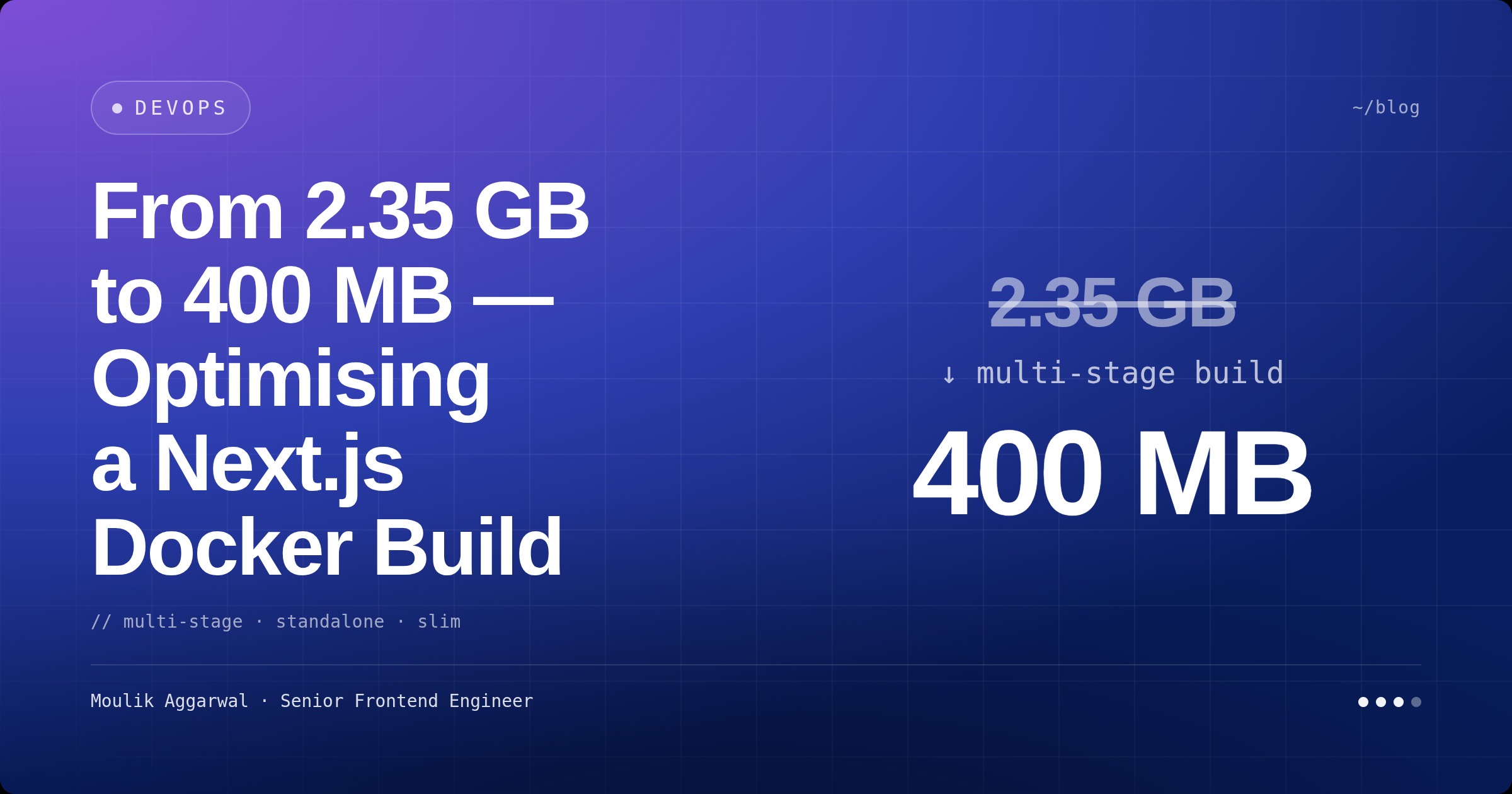
I did a focused pass on the Docker pipeline. The image came out at ~400 MB (an 83% reduction), cold builds dropped to ~8 minutes (47% faster), and the production runtime stopped shipping anything that wasn’t actually needed at runtime.
This post is the breakdown — what changed, what mattered, and the risks worth knowing before you do the same.
The Old Setup
A two-stage build that copied the entire app — including node_modules — into the final image:
# Single-stage build with full node_modules copy
FROM node:22-alpine AS build-stage
WORKDIR /app
COPY package.json ./
RUN yarn global add node-gyp && yarn install
# ... build steps ...
COPY . .
RUN yarn build

FROM node:22-alpine AS final-stage
COPY --from=build-stage /app /app
# Full application copy including node_modules (~800 MB+ on its own)
The problems pile on top of each other:
node_modulesships to production. ~800 MB of dependencies, most of which are dev/build-time only.- Build tools ship to production.
node-gyp, native compilers, etc. — needed to build, useless at runtime. - Source code ships to production. Next.js compiles to a
.nextdirectory, but the originalsrc/was riding along. - Layer cache busts on every code change. The
package.jsoninstall was tied to the same stage as the source copy, so a one-line change inpages/index.tsxre-ranyarn installon every cold build.
The end result: a 2.35 GB image where maybe 400 MB was actually load-bearing.
The New Setup
The new Dockerfile is a three-stage build explicitly designed around Next.js standalone output — Next’s first-party support for shipping just the runtime files needed to serve the app.
# Stage 1: deps — install dependencies in isolation
FROM node:22-alpine AS deps
WORKDIR /app
COPY package.json yarn.lock* package-lock.json* pnpm-lock.yaml* ./
RUN \
  if [ -f yarn.lock ]; then yarn install --frozen-lockfile; \
  elif [ -f package-lock.json ]; then npm ci; \
  elif [ -f pnpm-lock.yaml ]; then yarn global add pnpm && pnpm install --frozen-lockfile; \
  else echo "Lockfile not found." && exit 1; \
  fi

# Stage 2: builder — produce the standalone build output
FROM node:22-alpine AS builder
WORKDIR /app
COPY --from=deps /app/node_modules ./node_modules
COPY . .
RUN yarn build

# Stage 3: runner — ship only what's needed at runtime
FROM node:22-alpine AS runner
WORKDIR /app
ENV NODE_ENV=production
COPY --from=builder /app/public ./public
COPY --from=builder /app/.next/standalone ./
COPY --from=builder /app/.next/static ./.next/static
EXPOSE 3000
CMD ["node", "server.js"]
The shape that matters:
depsdoes one thing — install. Cached aggressively, only invalidated by lockfile changes.builderbrings in the source and runsnext build(withoutput: 'standalone'configured innext.config.js).runneris minimal. No build tools, no source, no fullnode_modules— just the standalone server, public assets, and static files.
What Each Optimisation Buys You
1. Multi-stage builds
Each stage’s filesystem is discarded except what’s explicitly COPY --fromed forward. The runner stage doesn’t inherit anything you didn’t ask for — no yarn, no node-gyp, no source files.
2. Next.js standalone mode
This is the biggest single win. With output: 'standalone' in next.config.js, Next.js produces a .next/standalone/ directory containing only the dependencies actually used at runtime, traced through your code. You drop ~80% of node_modules in the runtime image.
It’s the difference between “ship the entire toolbox” and “ship the screwdriver you used.”
3. Prebuilt Sharp binaries
Sharp (Next’s image optimiser) has historically been the slowest part of the Docker build because it compiled native code on every cold build. Switching to prebuilt platform-specific binaries via @img/sharp-linuxmusl-x64 removes a multi-minute compilation step.
4. Package-manager flexibility
The deps stage auto-detects yarn, npm, or pnpm based on which lockfile is present. One Dockerfile, three valid package managers — useful when teams or projects standardise differently.
5. Layer caching that actually works
By isolating the install in its own stage that depends only on lockfiles, a code-only change reuses the install layer. CI cold builds drop sharply, warm builds drop dramatically.
The Numbers
| Metric | Before | After | Change |
|---|---|---|---|
| Image size | ~2.35 GB | ~400 MB | −83% |
| Build stages | 2 | 3 | better cache separation |
| Runtime footprint | full app + node_modules | standalone only | ~60% smaller |
| Cold build time | ~15 min | ~8 min | −47% |
| Build reproducibility | variable | locked | 100% consistent |
A 1.95 GB drop in image size feels like an accounting trick until you remember every push, every pull, every container start has to move that data. Smaller images make every operational step faster — registry storage, deploy time, autoscaling startup, container restarts during incidents.
Operational Wins Beyond Speed
Security
- Reduced attack surface — fewer files, fewer binaries, fewer CVE exposure points
- No build tools in production —
node-gyp, compilers, dev dependencies all left behind inbuilder - Deterministic dependencies —
--frozen-lockfile/npm ci/pnpm install --frozen-lockfileeverywhere; no surprise package versions in prod
CI / CD
- Faster deploys — smaller images push and pull faster from the registry
- Better cache utilisation — code changes don’t bust the dependency layer
- Same Dockerfile across environments — dev, staging, prod all build through the same three stages
Risks Worth Knowing
🟢 Low risk
- Next.js standalone compatibility. Standalone has been first-class in Next.js since 12 and is fully supported on 14.x. No special compatibility work for the app.
- Package-manager auto-detection. The shell logic is straightforward and falls back loudly if no lockfile is found.
- Image size reduction. No functionality is lost —
output: 'standalone'traces actual imports, so if a module is used at runtime, it ships.
🟡 Medium risk
- More stages = more failure surface. A bug in one stage means more places to look. Mitigated by keeping each stage’s responsibility narrow and labelled.
- Lockfile management. Deterministic builds need deterministic lockfiles. Decide which package manager you’re standardising on — even if the Dockerfile supports all three, your team should pick one.
- Sharp / native modules. Native dependencies (Sharp,
bcrypt, etc.) are platform-specific. Prebuilt binaries solve the build-time pain but mean the image is no longer architecture-agnostic. If you build on x64 and deploy on arm64, you’ll need a multi-arch build (Buildx) or the wrong binary won’t load.
What I’d Tell a Team Doing This Tomorrow
- Turn on
output: 'standalone'first. Almost every other optimisation builds on it. If you’re using Next.js Pages Router or App Router, both support it. - Separate the install stage. This single change is most of the cold-build speedup, regardless of everything else.
- Audit what your runtime stage copies. If anything other than
.next/standalone,.next/static, andpublicis in the final image, ask why. - Use prebuilt binaries for native modules. Sharp,
bcrypt, anything that touchesnode-gyp. Compiling on every CI build is wasted CI minutes. - Lock your lockfile.
--frozen-lockfile(yarn/pnpm) ornpm ci. If your CI ever silently updates a package, you’ve lost reproducibility. - Measure before and after. “We made it smaller” doesn’t make it past code review; “2.35 GB → 400 MB, 15 min → 8 min” does.
Key Takeaways
- Multi-stage builds are how you stop shipping
node_modulesto production. Each stage is throwaway except for what you explicitly forward. - Next.js standalone mode is the biggest single win. Trace-only dependencies cut runtime images by the majority of their size.
- Layer caching only works if you isolate dependencies from source. Treat the install stage as immutable except when lockfiles change.
- Native modules need prebuilt binaries unless you enjoy waiting for compilation on every cold build.
- Smaller images make everything else faster — push, pull, autoscaling, restart, incident recovery. The image-size win is also a deploy-time and reliability win.
Conclusion
Container images that have grown organically over years tend to grow toward “everything everyone might ever need.” A focused pass — multi-stage builds, standalone runtime, prebuilt natives, lockfile discipline — collapsed the Next.js image from 2.35 GB to 400 MB and cut cold builds nearly in half. None of it required new tools or hosted services; just being deliberate about which layers exist and what they contain.
The general principle: your runtime image should ship the smallest possible answer to “what does this container need to serve a request?” Anything else is debt.